



CGM Trend Arrow Insulin Adjustment Calculator
Adjust Your Insulin Dose
Enter units of insulin still active from previous doses
Your Recommended Dose Adjustment
Adjusted Dose
0.00 units
Standard Correction
0.00 units
Trend Adjustment
0.00 units
Important: This calculator follows evidence-based guidelines from the Endocrine Society. Always check your insulin-on-board (IOB) before making adjustments. For safety, never adjust insulin when glucose is below 70 mg/dL without medical guidance.
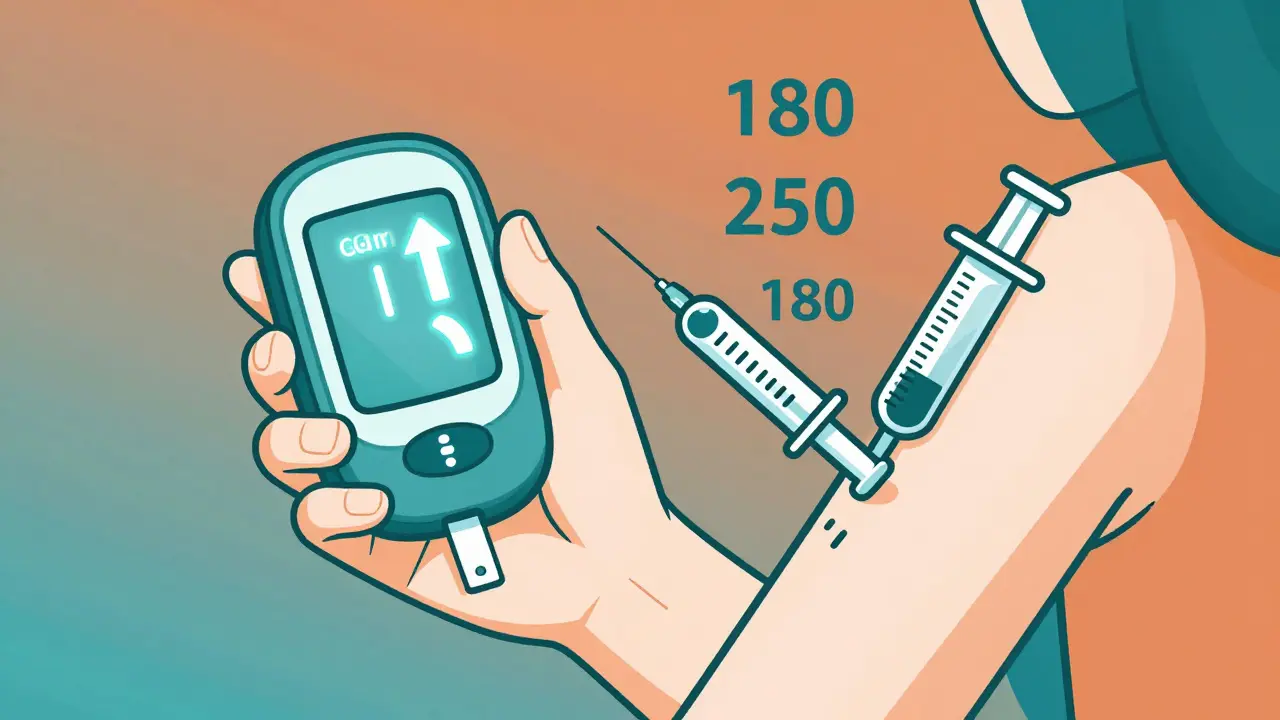
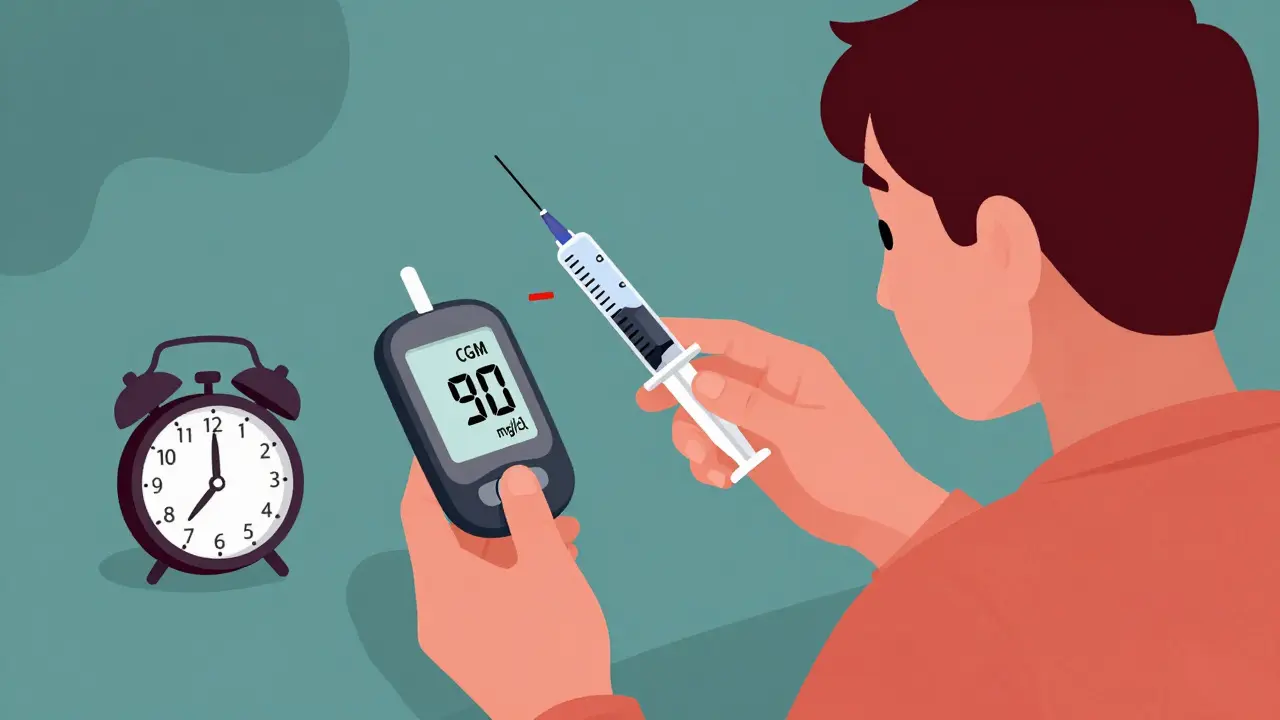
When you’re managing diabetes with insulin or other medications, your blood sugar doesn’t just jump around randomly-it trends. And if you’re using a Continuous Glucose Monitor (CGM), you’re already seeing those trends in real time. But most people don’t know what to do with them. Those little arrows on your screen-up, down, flat-are not just decorations. They’re signals. And ignoring them is like driving with your eyes closed, even if you’ve got a GPS. The truth is, your insulin dose shouldn’t just be based on your current number. It needs to account for where your glucose is headed. A number of 180 mg/dL might look fine if you’re checking a fingerstick. But if your CGM shows a double-up arrow, that 180 could hit 250 in 20 minutes. And if you see a double-down arrow while your glucose is at 90? You’re heading for a 50 in less than half an hour. That’s not a scare tactic-it’s data. The Endocrine Society laid out a clear, evidence-based method for adjusting insulin doses using these arrows back in 2017. It’s not complicated. It’s not guesswork. It’s a system that works. And it’s been shown to cut hypoglycemic events by nearly a third and boost time in range by 17%. Yet, most people still treat their CGM like a fancy glucose meter. They wait for the number to be out of range before acting. That’s like waiting for the smoke alarm to go off before you put out the fire. Here’s how it actually works. CGMs like the Dexcom G5, G6, and G7 show eight different trend arrows:
- Double-up (↑↑): Glucose rising fast-more than 2 mg/dL per minute
- Single-up (↑): Glucose rising-1 to 2 mg/dL per minute
- Flat (→): Stable-changing less than 1 mg/dL per minute
- Single-down (↓): Glucose falling-1 to 2 mg/dL per minute
- Double-down (↓↓): Glucose falling fast-more than 2 mg/dL per minute
Why Trend Arrows Beat Fingersticks for Dosing
Fingerstick checks give you a single point in time. A snapshot. A photo. CGM trend arrows give you a video. You see motion. You see direction. You see speed. A 2017 study in Diabetes Technology & Therapeutics showed people using trend arrows had 28% fewer low blood sugar events and spent 17% more time in target range than those relying only on fingersticks. Why? Because you’re not waiting for the problem to happen. You’re stopping it before it starts. If your fingerstick says 160, you might think, “I’ll take a half unit.” But if your CGM shows a single-up arrow, you know that 160 is going to be 190 in 20 minutes. So you take a full unit. You prevent the spike. You avoid the crash later. That’s the power of prediction.When Not to Adjust Based on Trend Arrows
Trend arrows aren’t perfect. They can lag. They can glitch. They’re not reliable during:- First 2 hours after sensor insertion
- After a cold shower or intense exercise
- When the sensor signal is weak (red warning on screen)
- If you’ve just eaten and your glucose is rising from food, not lack of insulin
What About Non-Insulin Medications?
The 2024 ADA/EASD consensus report now recommends adjusting SGLT2 inhibitors (like Jardiance or Farxiga) based on CGM patterns. If your glucose is stable but your ketones are rising (euglycemic ketosis), you may need to reduce the dose. This is new. Most doctors still don’t know about it. But if you’re on an SGLT2 inhibitor and using CGM, this matters.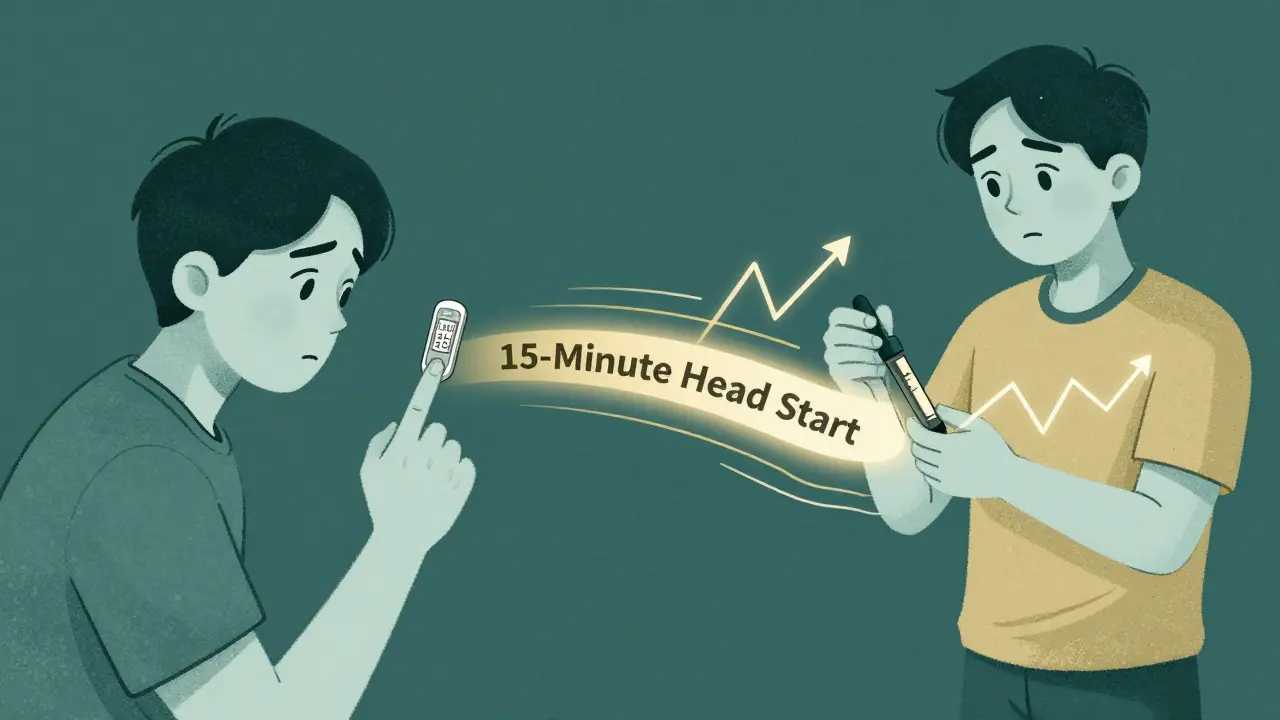
Common Mistakes and How to Avoid Them
- Mistake: Adjusting for every arrow. Solution: Only adjust for trends that last more than 15 minutes. One quick dip doesn’t mean you need to cut insulin.
- Mistake: Forgetting insulin-on-board. Solution: Always check your IOB before adding more insulin. Use your pump app or write it down.
- Mistake: Using the same adjustment for all correction factors. Solution: Your 1:40 factor needs different math than your neighbor’s 1:60. Know your number.
- Mistake: Ignoring context. Solution: A falling arrow before bed? Maybe you need a snack. A falling arrow after a workout? Maybe you need less insulin. Context changes everything.
What to Do If You’re Still Scared to Adjust
If you’re nervous, start small. Pick one time of day-say, breakfast. Use the trend arrow adjustment for one week. Track your results. Did you have fewer highs? Fewer lows? Better sleep? Talk to your diabetes educator. Ask for a 15-minute session just on trend arrows. Most clinics offer this for free. You don’t need a full course. Just the basics. And remember: you’re not trying to be perfect. You’re trying to be smarter than your glucose. The CGM is giving you a heads-up. Use it.Can I use trend arrows with any CGM, or just Dexcom?
The Endocrine Society guidelines were based on Dexcom G5 data, but the principles apply to all modern CGMs, including Abbott Libre 3 and Medtronic Guardian. The exact speed thresholds for arrows may vary slightly between brands, but the logic is the same: fast-rising glucose needs more insulin, fast-falling needs less. Always check your device’s manual for how it defines trend speeds.
Do I need to adjust my insulin for every trend arrow?
No. Only adjust when the trend is consistent for at least 15 minutes and you’re not in a situation where the CGM might be inaccurate-like right after eating, exercising, or during sensor warm-up. If you’re unsure, stick to your standard correction formula.
What if my correction factor changes?
Your correction factor can change due to weight gain, illness, stress, or changes in activity. Recheck it every 3-6 months or after any major life change. If your insulin seems to be working less effectively, recalculate using the 1800 ÷ total daily insulin formula.
Can I use this method with an insulin pump or only injections?
Yes. Whether you use a pump or injections, the same rules apply. Pumps can auto-calculate adjustments if you’ve programmed your correction factor and IOB correctly. With injections, you’ll need to do the math yourself-but the guidelines make it simple with fixed unit values.
Are there apps that do this for me?
Yes. Apps like DAFNE+ (FDA-cleared in 2023) automatically calculate insulin adjustments based on your CGM trend, correction factor, and insulin-on-board. Other apps like GlucoseZone and mySugr also offer trend-based suggestions. These tools reduce errors by over 60% in clinical trials and are great for beginners.
14 Comments

Payson Mattes
December 24, 2025 AT 10:43
Okay but have you ever considered that CGMs are secretly controlled by Big Pharma to keep us hooked on insulin? I mean, why else would they make the arrows so dramatic? My buddy in Alaska swears his Dexcom starts screaming 'UP UP' right before he eats a banana-like it's rigged to sell more pens. And don't get me started on how the apps 'auto-calculate'... who’s coding those algorithms? NASA? The FDA? My neighbor’s dog has more integrity.

Isaac Bonillo Alcaina
December 26, 2025 AT 04:58
There is a fundamental flaw in your assertion that trend arrows constitute a 'system.' The Endocrine Society guidelines you cite are not binding clinical protocols-they are consensus statements, and their evidence base is derived from short-term observational studies with high attrition rates. Furthermore, the assumption that velocity correlates linearly with insulin demand ignores circadian insulin sensitivity, glucagon counterregulation, and individual pharmacokinetic variance. Your '1.2-unit adjustment' is not evidence-based; it is anecdotal arithmetic dressed in algorithmic clothing.

Bhargav Patel
December 26, 2025 AT 12:23
The human body is not a machine with fixed inputs and outputs. To treat glucose trends as if they are traffic signals is to reduce a living, breathing, dynamically regulated system into a series of mechanical corrections. The arrow is not a command-it is a whisper from the body, asking us to listen, not to react. Perhaps the real innovation is not in adjusting doses, but in learning stillness-waiting, observing, understanding the rhythm before intervening. Technology gives us speed, but wisdom demands patience.

Steven Mayer
December 27, 2025 AT 14:40
Correction factor derivation via 1800/TDD assumes a fixed insulin sensitivity index, which is invalid in the presence of insulin resistance fluctuations, cortisol spikes, or hepatic glucose output. The IOB calculation in most apps is based on a mono-exponential model that fails to account for depot kinetics in subcutaneous tissue. Without real-time C-peptide or glucagon feedback, trend-based dosing remains a heuristic with high Type II error rates. Clinical adoption without validation against gold-standard euglycemic clamps is premature.

Joe Jeter
December 29, 2025 AT 11:24
So you're telling me I should trust a sensor that sometimes thinks I'm at 200 when I'm actually at 70, and then give myself more insulin because some arrows say 'up'? That's not prevention-that's a death wish. I've been doing this for 18 years. My fingersticks never lied. You're just giving people permission to be lazy and let a gadget make life-or-death calls.

Lu Jelonek
December 29, 2025 AT 18:15
I’ve been using trend arrows for three years now, and the difference in my nighttime lows has been life-changing. I used to wake up drenched in sweat, heart racing, terrified. Now I sleep. I didn’t need to be a math wizard-I just printed the chart, taped it to my fridge, and started small. One adjustment at a time. If you’re scared, start with breakfast. That’s all it took for me. You don’t need to be perfect. You just need to try.

Ademola Madehin
December 30, 2025 AT 07:03
YOOOOO I JUST DID THIS AND MY BG DROPPED TO 38 AND I HAD TO DRINK A FULL CAN OF COKE IN THE MIDDLE OF THE NIGHT 😭😭😭 I THOUGHT I WAS BEING SMART WITH THE ARROWS BUT NOOOOOO I WAS A FOOL. MY WIFE SAID I SCREAMED LIKE A BABY. THIS SH*T IS TRICKY. WHO EVEN DESIGNED THIS?!?!

suhani mathur
December 30, 2025 AT 22:31
Wow. So the solution to diabetes is... more math? And more apps? And more rules? Meanwhile, people in rural India are still using old syringes and guessing based on how they feel. Maybe the real problem isn't the arrows-it's that we've turned survival into a spreadsheet. But hey, at least your CGM has a cute little animation.

Diana Alime
December 31, 2025 AT 11:15
i read this whole thing and now i feel like i need a phd in math to not die 😭 my cgms been glitching since last week and now im scared to even look at it. like why does it say 140 but i feel like i’m gonna pass out?? why is the arrow down but i’m dizzy?? i just wanna eat a cookie and not get yelled at by my machine.

Adarsh Dubey
January 1, 2026 AT 23:52
There’s value in the method, but it’s incomplete. What’s missing is the emotional layer-the fear, the fatigue, the grief that comes with managing this daily. The arrows are data, yes. But behind every number is someone who’s tired. Maybe the real innovation isn’t in the algorithm, but in the community that supports the person using it. A good educator, a quiet moment, a friend who says, ‘It’s okay to be wrong today.’ That’s what keeps people alive.

Jeffrey Frye
January 3, 2026 AT 14:48
so like… the 1800/tdd formula? bro that’s from like 1998. insulin sensitivity changes with weight, stress, sleep, hormones, and the phase of the moon. i did the math once and it said i should take 3.2 units, but i took 2.5 because i felt it. then i went low. now i just wing it. also my dexcom thinks my cat is my glucose. she sits on my leg and it spikes. it’s haunted.

bharath vinay
January 5, 2026 AT 07:13
Let me guess-this whole ‘trend arrow’ thing was pushed by Dexcom’s marketing team. They know people will pay more for sensors if they make you feel like you’re flying a spaceship. Meanwhile, your pancreas is still dead. No app will bring it back. And don’t get me started on ‘hybrid closed-loop’ systems-they’re just insulin robots with a Netflix subscription. You’re not managing diabetes. You’re outsourcing your brain to a corporation.

Usha Sundar
January 7, 2026 AT 06:35
My daughter’s CGM showed a double-down at 90. I cut her correction. She went to 72. We ate a granola bar. She’s fine. No drama. Just simple. Sometimes the answer is less insulin. Sometimes it’s a snack. Sometimes it’s just… breathe.
Payson Mattes
January 7, 2026 AT 11:09
Wait wait wait-so if the CGM is controlled by Big Pharma, and the app auto-calculates based on a secret algorithm, then… who’s really in charge here? Are we the patients… or are we the beta test subjects? I just checked my Dexcom app. It just sent me a notification: ‘Your glucose trend suggests you’re ready for a subscription upgrade.’ I’m not kidding. I screenshot it. Someone’s got to investigate this.
Write a comment